Text to speech Voice - Setup & Run Guide
Clone your voice locally with free, open-source AI on Windows 11.
- AI
- Local LLM
- Automation
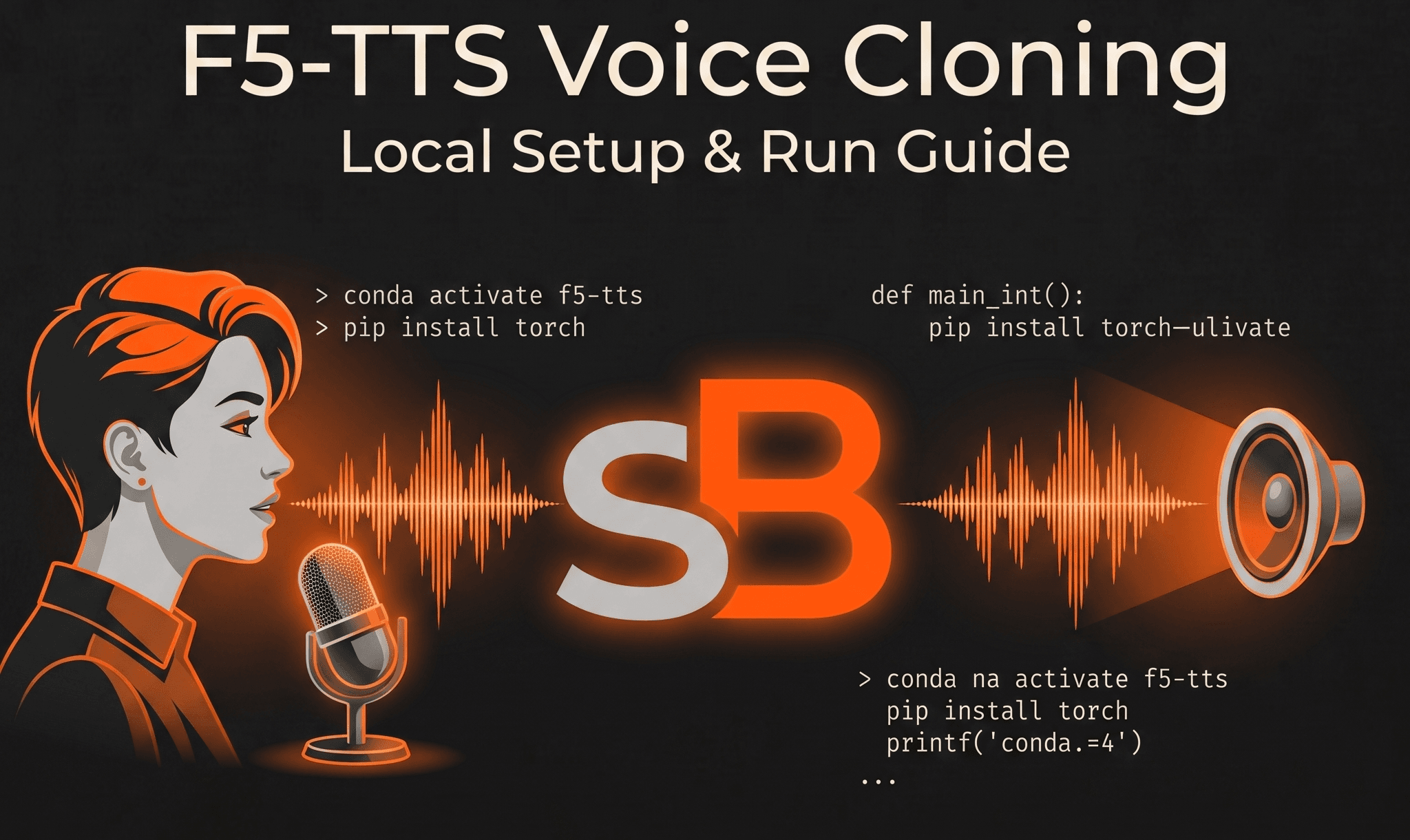
Problem
Cloud-based voice cloning tools are often expensive, have strict limits, or pose privacy concerns with personal audio data. While running open-source AI models locally solves these issues, setting them up on Windows can be frustrating—often leading to broken Python environments, CUDA compatibility errors (especially with newer RTX 50-series GPUs), and command-line confusion.
What I built
A step-by-step guide to isolating and running F5-TTS locally on Windows 11. THE GOLDEN RULE: Always use Anaconda Prompt (look for (base)). Never use standard Command Prompt. Part A · One-time install Create environment: conda create -n f5-tts python=3.11 (type y to confirm) Activate it: conda activate f5-tts Install FFmpeg: conda install ffmpeg Install PyTorch (choose one based on your GPU): Most NVIDIA GPUs (RTX 20/30/40 & GTX 16): pip install torch torchaudio --index-url [https://download.pytorch.org/whl/cu121](https://download.pytorch.org/whl/cu121) RTX 50-series GPUs: pip install torch==2.8.0+cu128 torchaudio==2.8.0+cu128 --extra-index-url [https://download.pytorch.org/whl/cu128](https://download.pytorch.org/whl/cu128) CPU only (No NVIDIA/Unsure): pip install torch torchaudio Install F5-TTS: pip install f5-tts Part B · Start the app (Daily) Open Anaconda Prompt. Activate environment: conda activate f5-tts Launch app: f5-tts_infer-gradio Open [http://127.0.0.1:7860](http://127.0.0.1:7860) in your browser. (Note: Keep the command window open while using the app!) Part C · Clone your voice Upload a clean 10–15s WAV reference, paste the exact spoken words into the Reference text, type your desired prompt, and hit Generate. Part D · Quick fixes "conda not recognized": You are in standard Command Prompt. Switch to Anaconda Prompt. Line lacks (f5-tts): Run conda activate f5-tts again. "CUDA out of memory": Your GPU VRAM is full. Use a shorter reference clip or use the CPU install. (License: The pretrained model is CC-BY-NC, strictly for non-commercial use).
Tech used
- F5-TTS
- Python
- Anaconda
- PyTorch
- FFmpeg
- Gradio
Result
A fully functional, completely private local voice cloning environment that bypasses cloud subscription costs, with an easy-to-follow daily launch routine and troubleshooting protocols tailored for both standard and modern 50-series hardware.